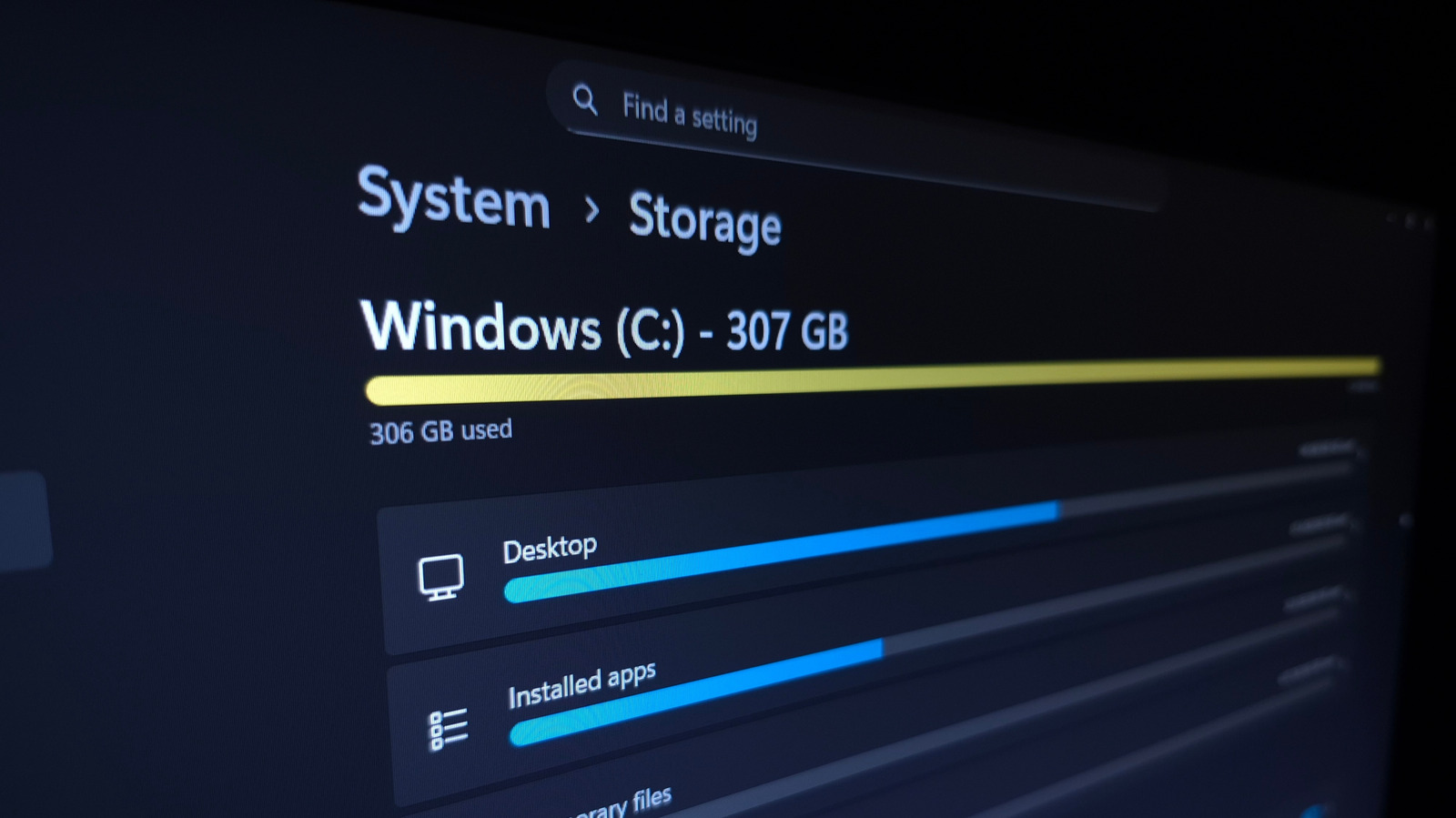
Use a methodical approach to see what's using the most space on your PC and easily clean it up.
Reading Settings
Use a methodical approach to see what's using the most space on your PC and easily clean it up.
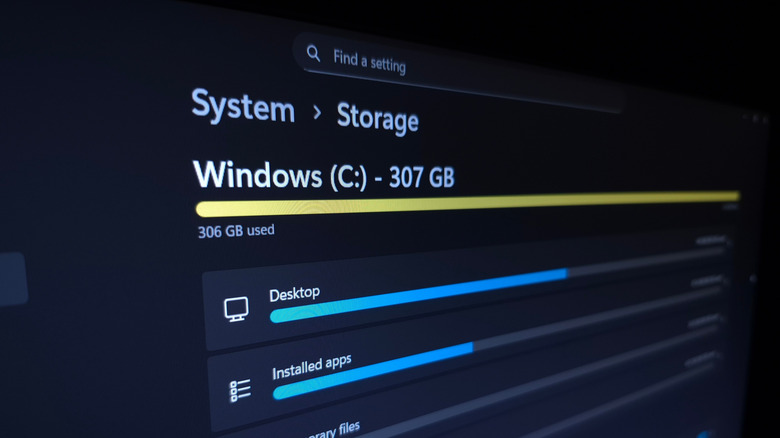
Source: Engadget
Source: Engadget
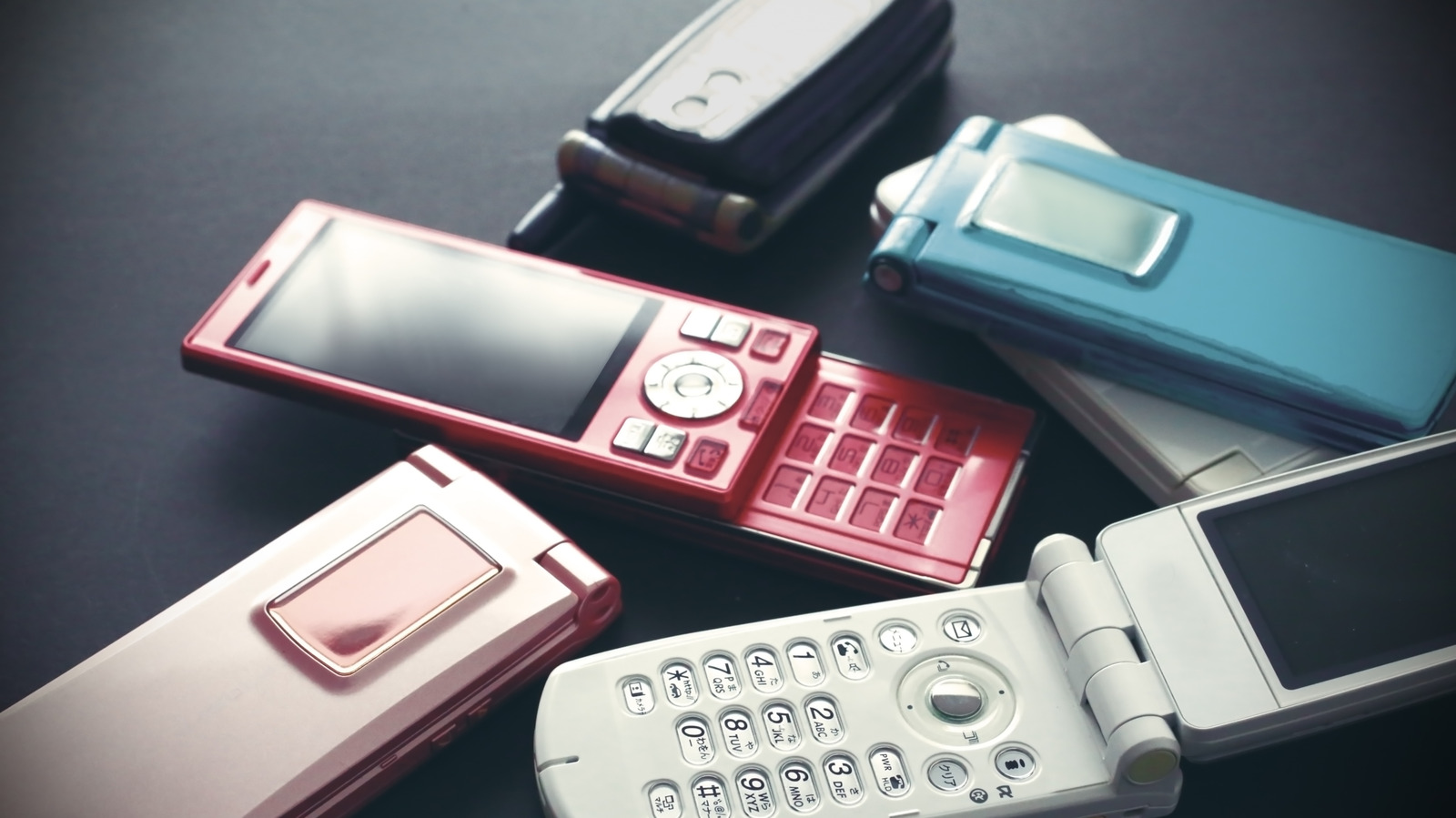
With smartphones serving all purposes, an old flip phone, especially a SIM-less one, may feel useless. However, this couldn't be further from the truth.
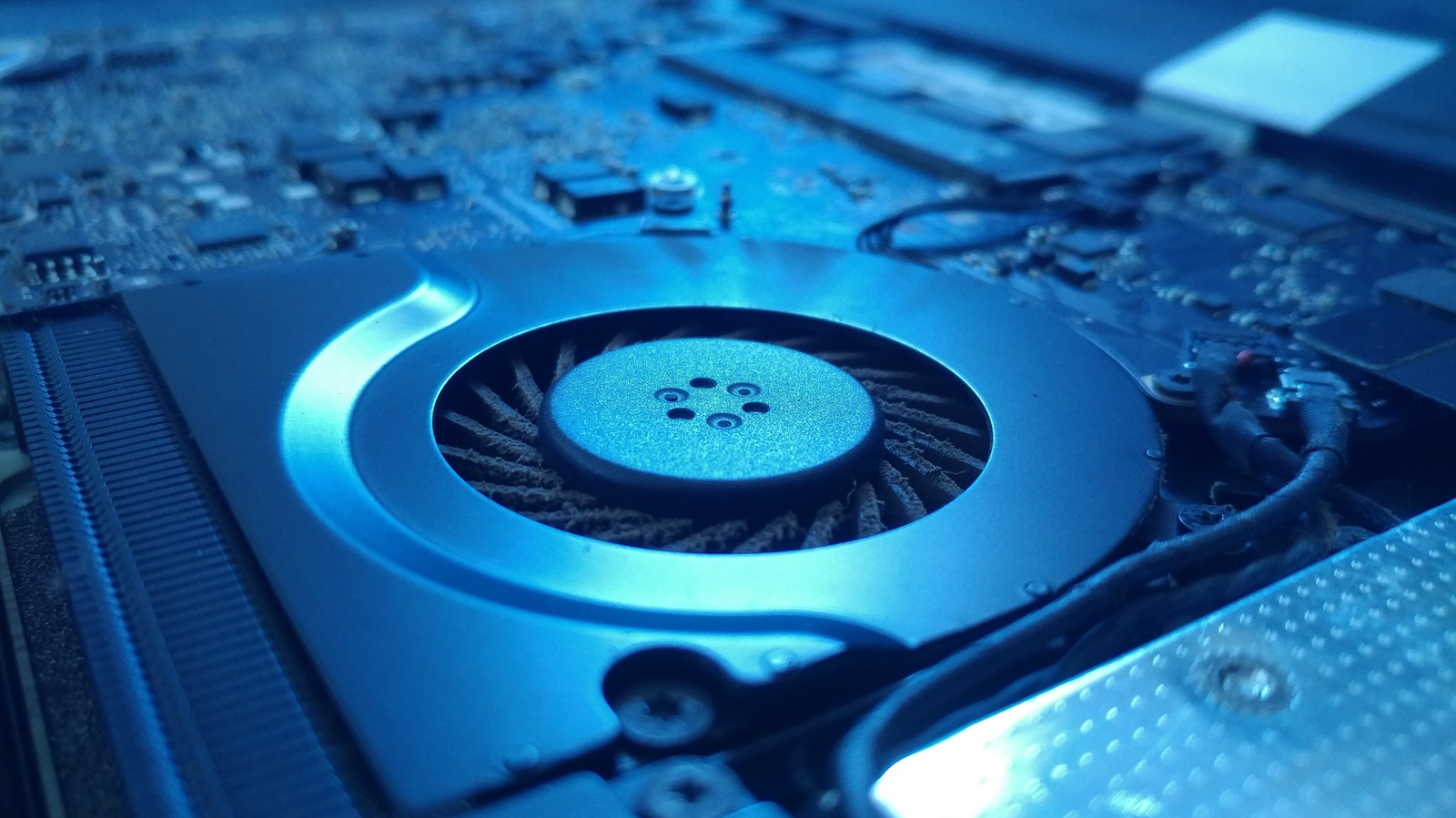
Your laptop shouldn't sound like it's preparing for takeoff every time you sit down to work. Here's what might be causing those sudden fan blasts.

More evidence that magnets are magical.

The New York Times has added a beta feature to its Cooking app that helps readers swap ingredients or adjust recipes to suit their needs. It mostly hits the mark.